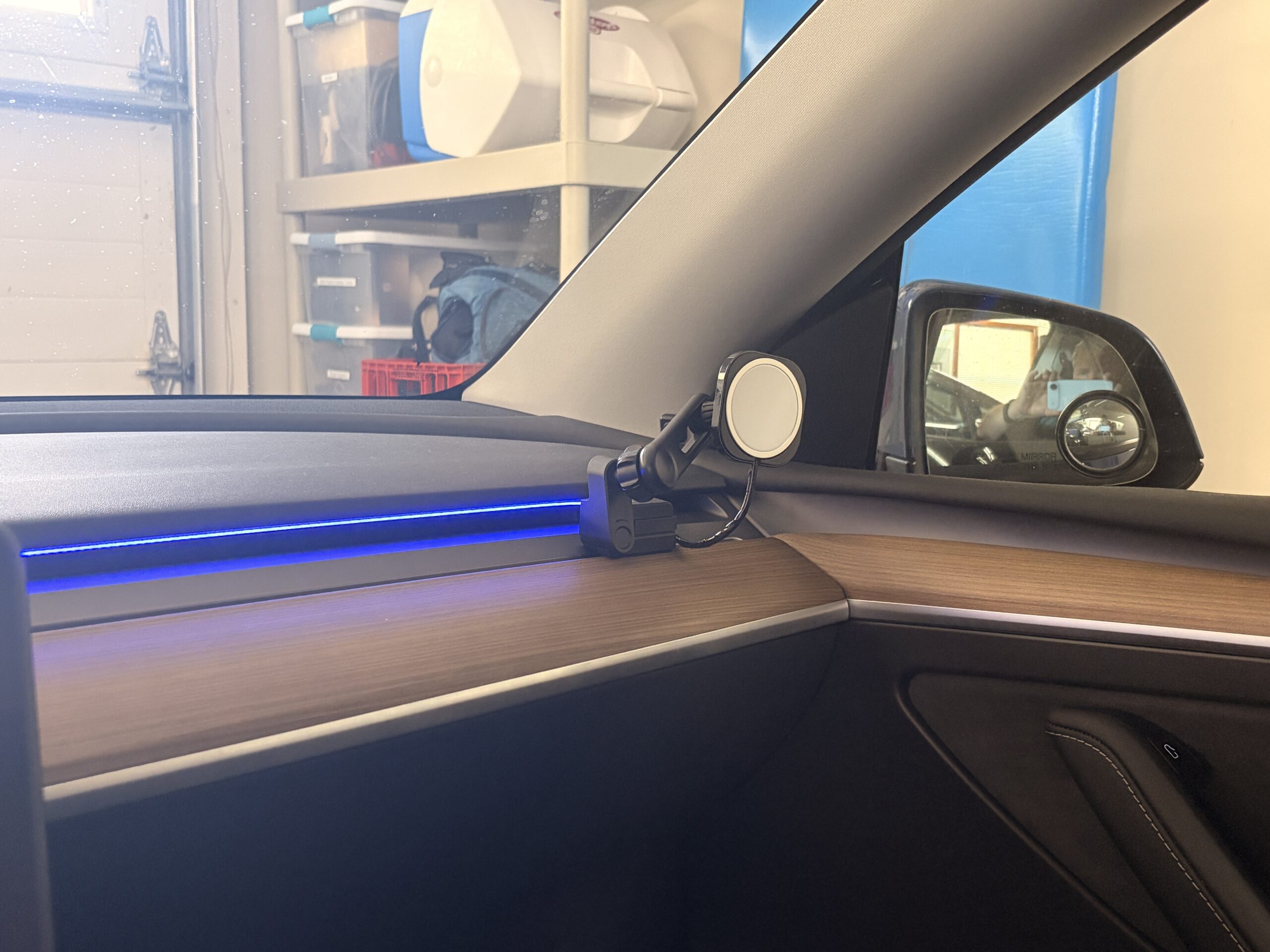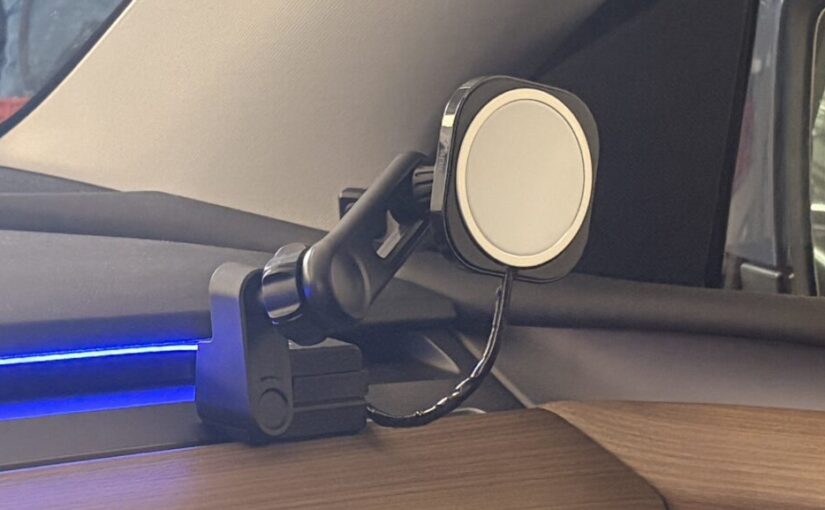
I have a Tesla Model Y 2023 – It is “Pre-Juniper” Hardware 3 for people who understand what that means.
Tesla comes with wireless charging built into the center console. I know there seems to be some disagreement on this, but for me these chargers have been absolutely useless, I tried using them with 3 different generations of iPhones and a similar number of Samsung Galaxy phones and, if the chargers worked, they got super hot, and if they didn’t (which was most of the time), the phone just sat there not charging so it would be not read exactly when you most needed it when you would get out of the car.
Another wrinkle, I have an aftermarket mount for my Tesla screen so I can tilt it in whatever direction I choose (again for that more cozy “cockpit” feel). A side-effect of this is that the screen ends up being an inch or so lower than standard and you really cannot see the phone in the built-in charger if that even worked anyway.
I wanted a reliable MagSafe charging mount for my iPhone. So I made a FrankenMount using a Honghauth Tesla Phone Mount as the base (discarding the actual MagSafe magnet), a “Spigen Air Vent Car Mount Adapter for MagSafe Charger” (discarding the vent-mount portion) to hold an actual Apple MagSafe Charger (with 2 M cable), a Cadbib 17mm Ball Head Extension Arm and used a “100W USB C Extension Cable 6.6FT” (with 90 degree USB-C at one end) for power.
The Honghauth Tesla phone mount SOLIDLY anchors to the dash vent. It doesn’t suffer from all the weaknesses of using adhesives or suction cups that eventually just degrade and drop your phone, not to mention the mess the adhesives leave behind when you want to remove your mount.
If you read the directions it is trivial to remove and reinstall this mount again and again, it is a precision device.
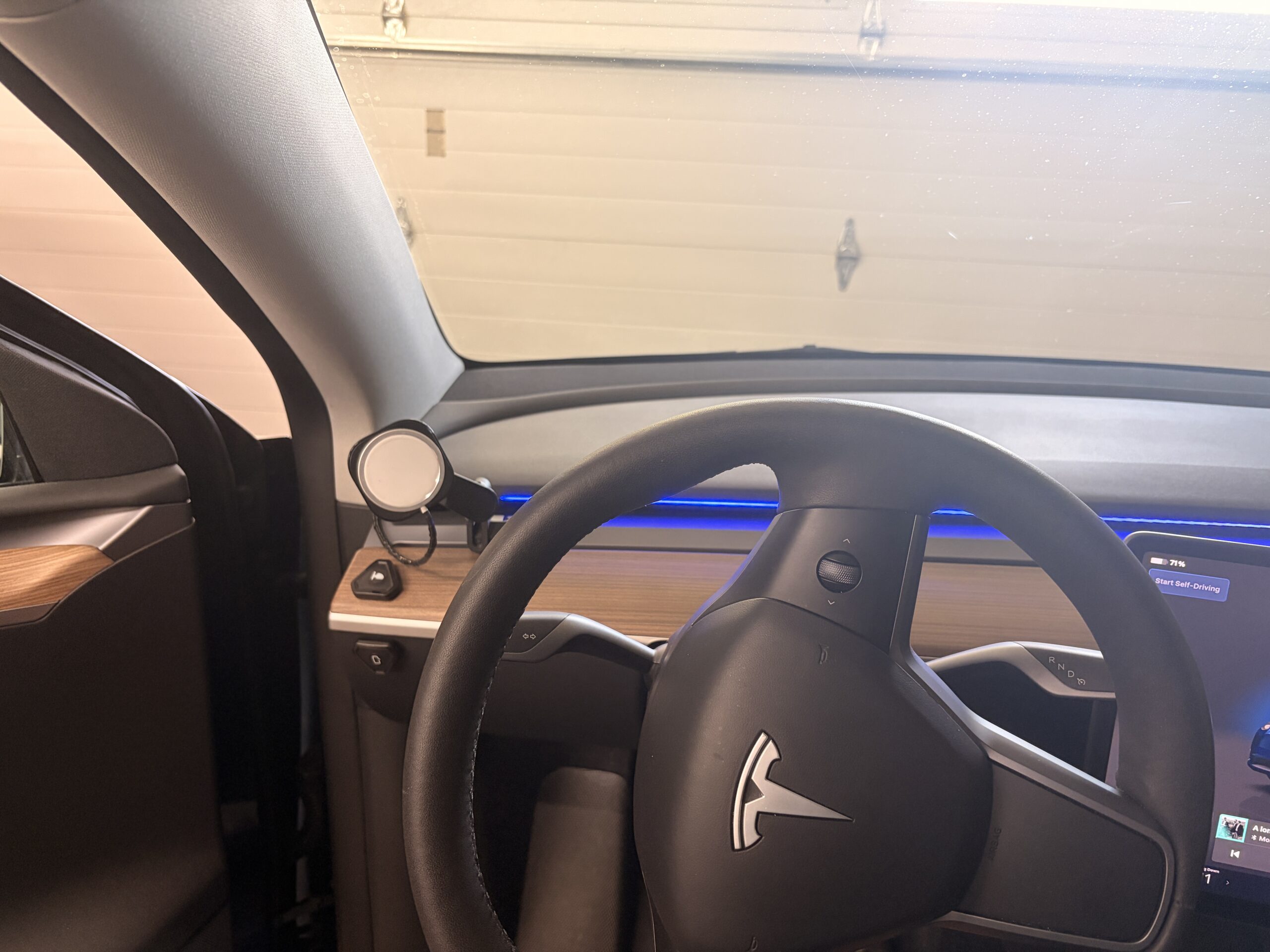
I also prefer to have my phone on the opposite side of my seat compartment from the car’s own screen. It gives it more of a cockpit feel. One of the most popular phone mount options I see is just glued to the top corner of your Tesla screen, giving the double pleasure of obstructing your view AND falling off when the temperatures get hot. The only thing my placement blocks is the view of my A pillar, so no loss of situational awareness there.
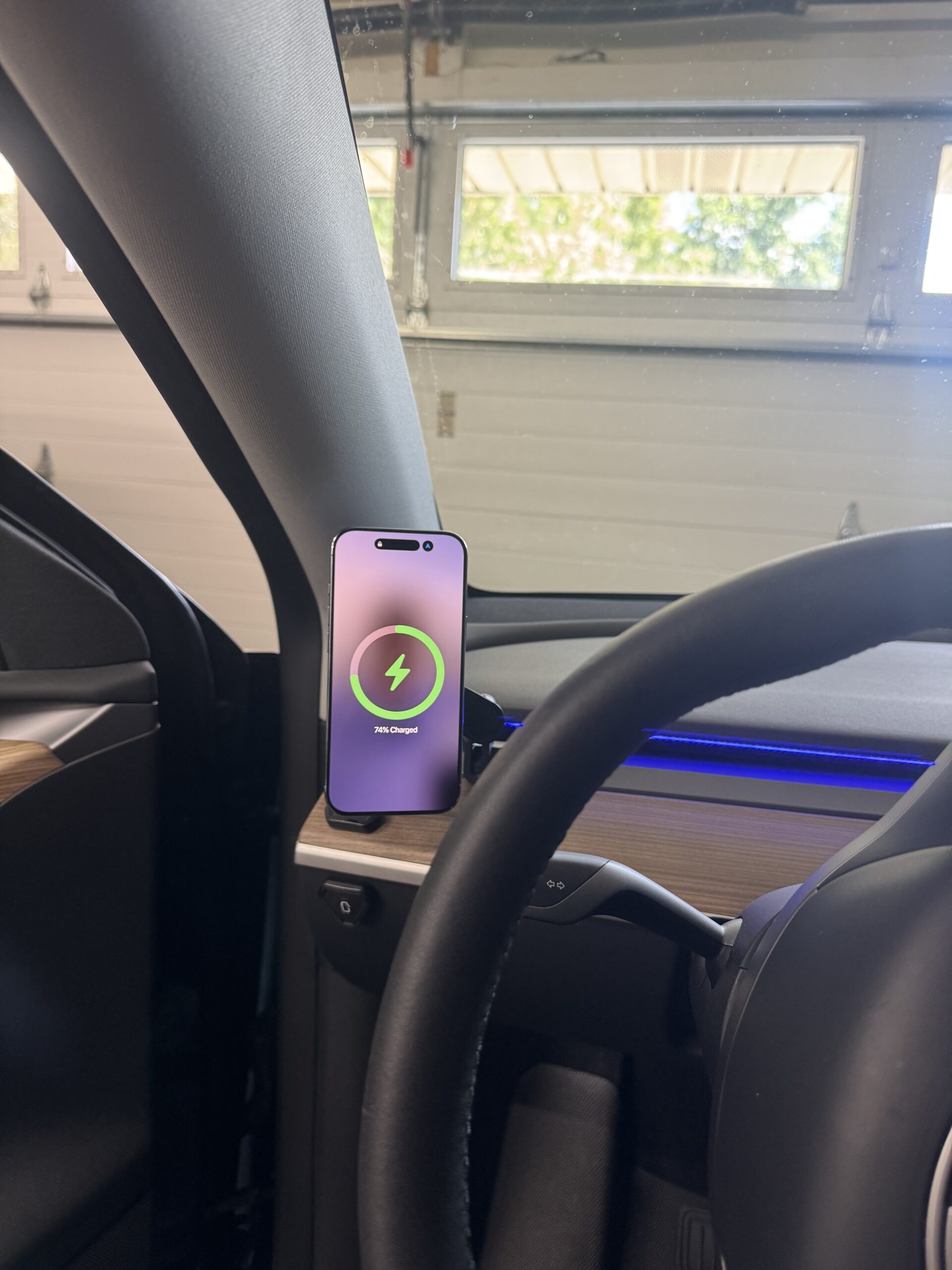
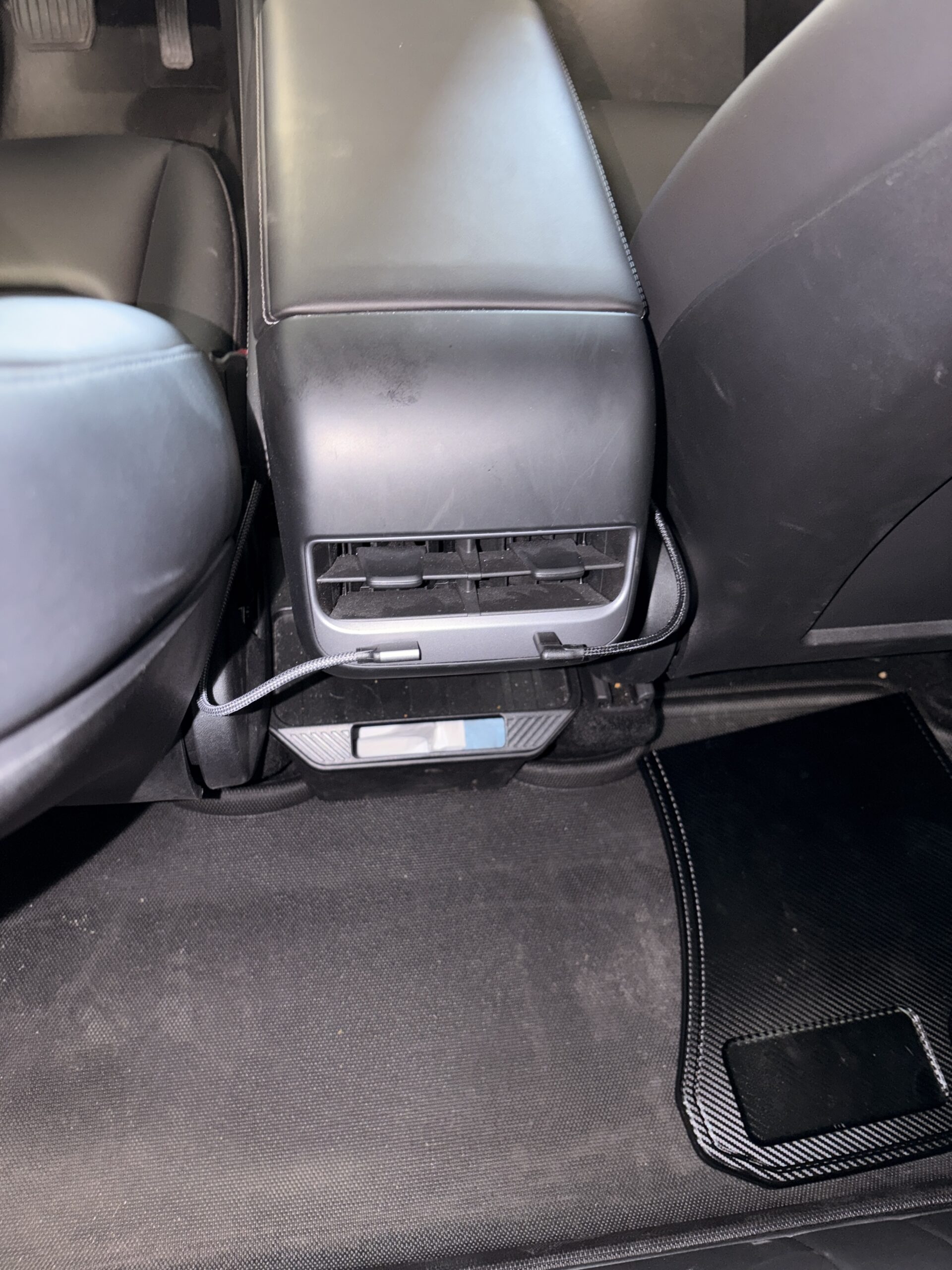
I wrapped some electrical tape around the white magsafe charger cable to make it blend in better with my dashboard and then routed the charging cable under my dash and tucked in along the side of my console to plug into my rear USB-C ports. Note that the 90 degree USB-C plugs ensure it doesn’t stick out into the rear passenger compartment.
I liked it so much I also did this for my passenger side as well.