
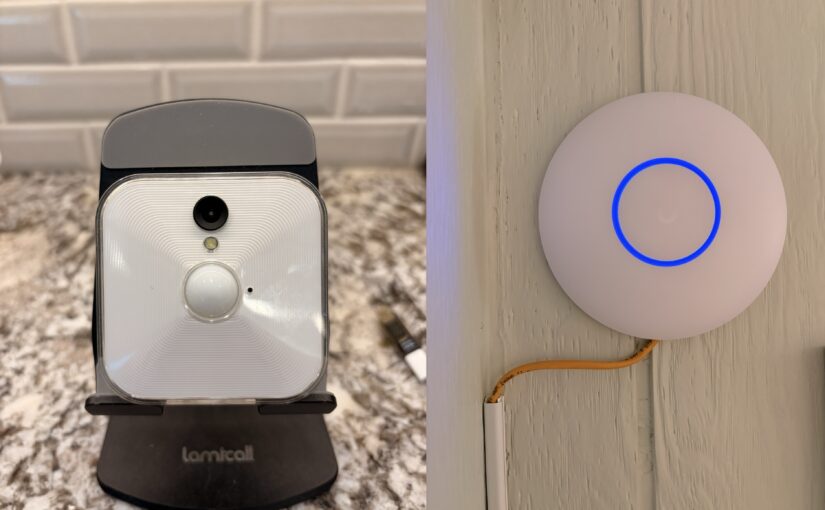
Just an interesting observation in case anybody else runs into this.
If I place my Blink White camera within 20 inches (center to center) of my Ubiquiti U7 Lite access point, the camera is triggered constantly as soon as it is armed.
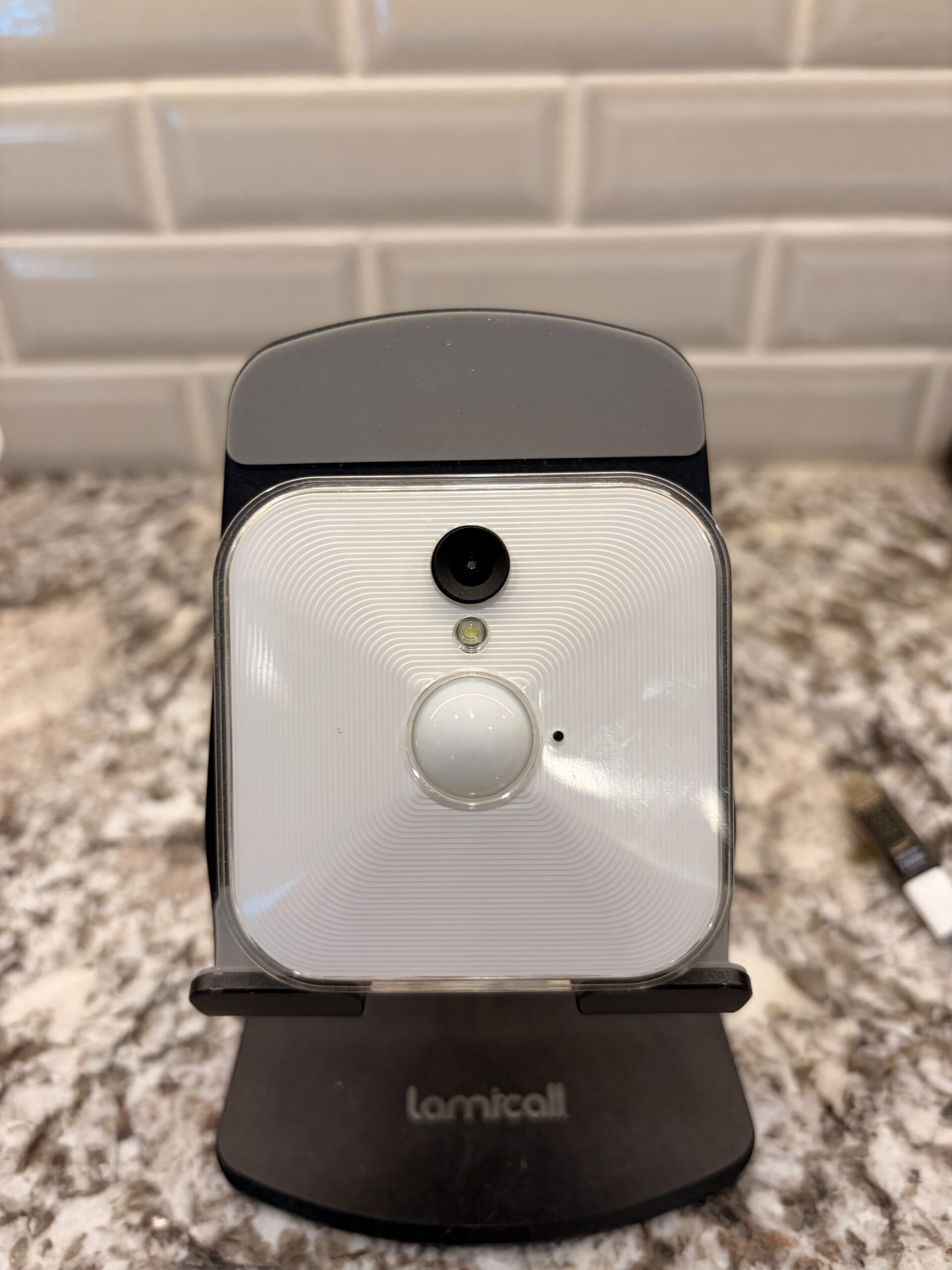
I have had my Blink White camera mounted in the upper corner of my living room since November of 2021 (about 4 1/2 years as of this writing) with no issues. The camera is typically armed when I am away from home.
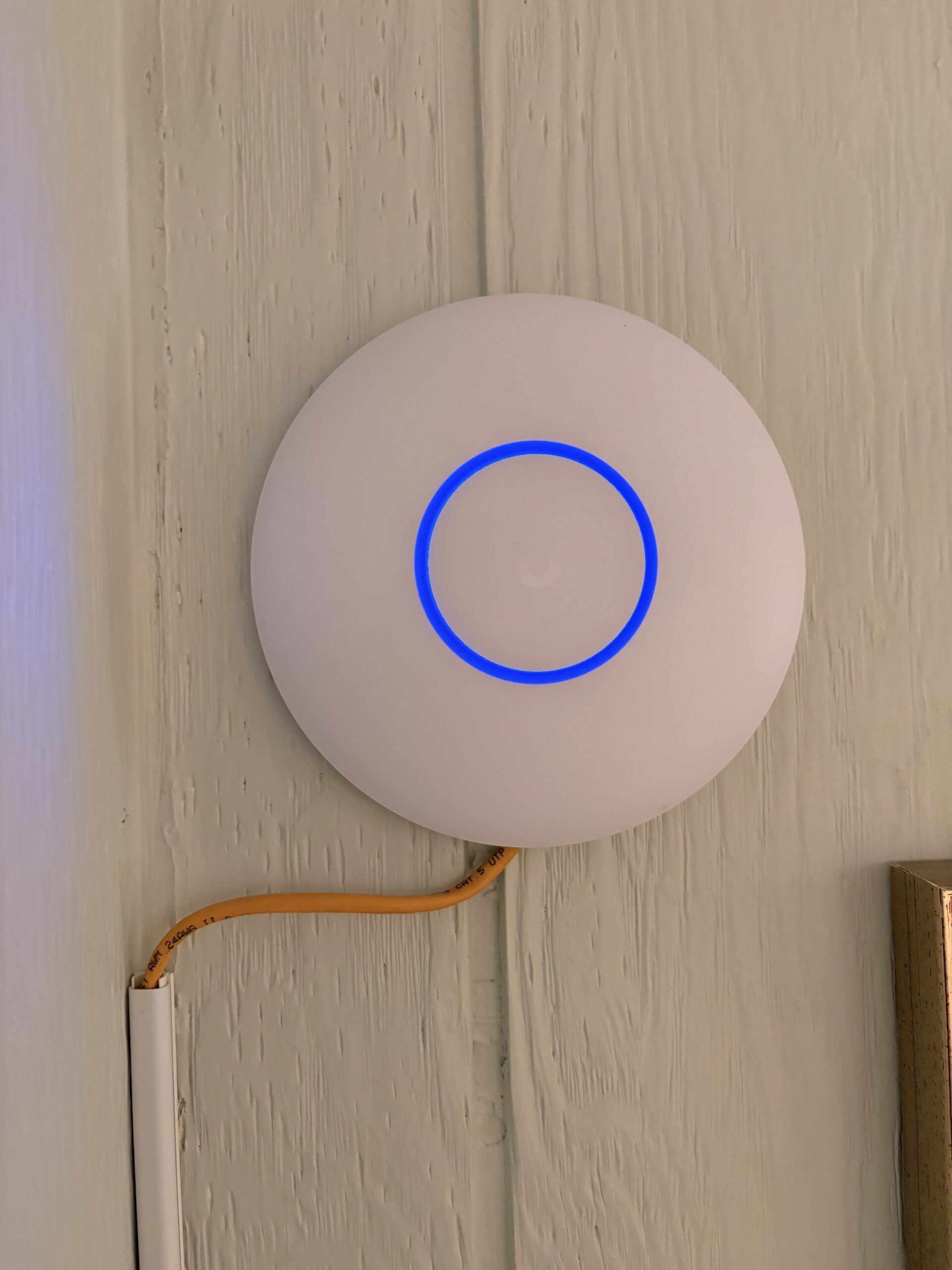
I set up my Ubiquiti DR7 (Dream Router 7) back in October of 2025 and temporarily placed the two U7 Lite access points in various locations as I decided where would be optimal for my home Wi-Fi network.
For a couple of months I have had one of the Access Points sitting on a table in a corner of my living room about 2 yards under the Blink Camera with no issues.
So last week I finally permanently mounted the Access Point where I felt it would provide the best coverage for the East wing of my house and <check> another item off of my home chore list.
The next day I let my house and immediately began getting alerts that there was movement in my living room, yet none of the clips had ANY movement whatsoever. The alerts were constant and consistent at one per minute. So I disarmed the camera and decided to check on it when I returned home.
I eventually pulled the camera off the wall and placed it on a nearby table. The next time I went out.. no issues.
There happens to be a picture near the access point so today I placed the camera on the picture frame and then measured the distance within which the camera is being constantly triggered and then beyond which it just functioned normally.
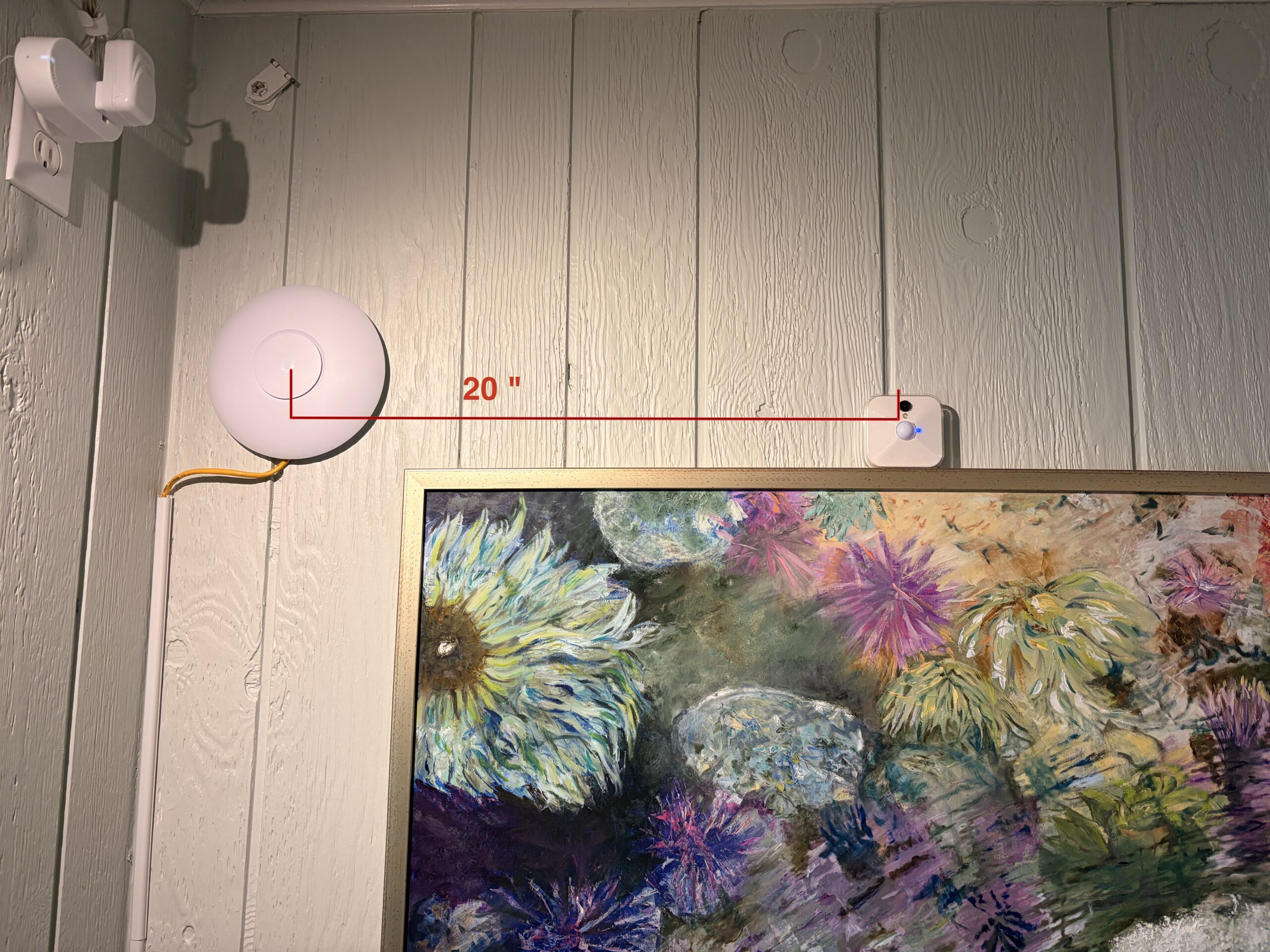
That distance is 20 inches from the center of the access point to the center of the Blink camera.
I’m sure there are experts out there who can explain why a Wi-Fi Access Point should be triggering a wireless security camera when they are within 20 inches of each other, but for me this is just another part of Wi-Fi voodoo that just needs to be noted and avoided…
I’m posting this in case anybody else is encountering similar issues to let you know you are not alone…